 Gainwisely
Your programs, on your clients' phones.
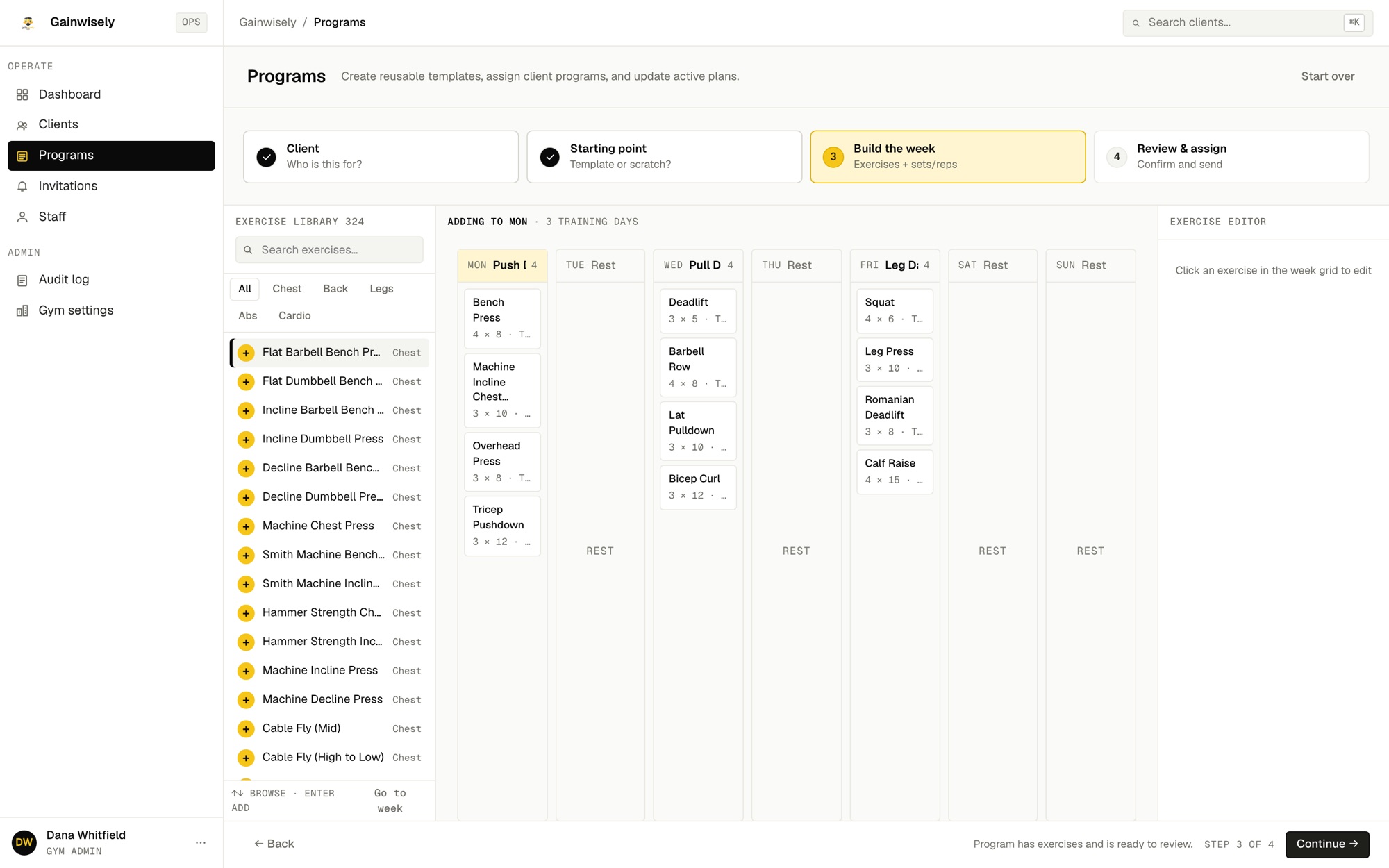
Build a week from a template or from scratch, add a note, and assign it. Your client is notified, trains from it in the app, and their workouts show up on your dashboard.
Invite-only while we bring gyms on. Client app on Android now, iOS in TestFlight.
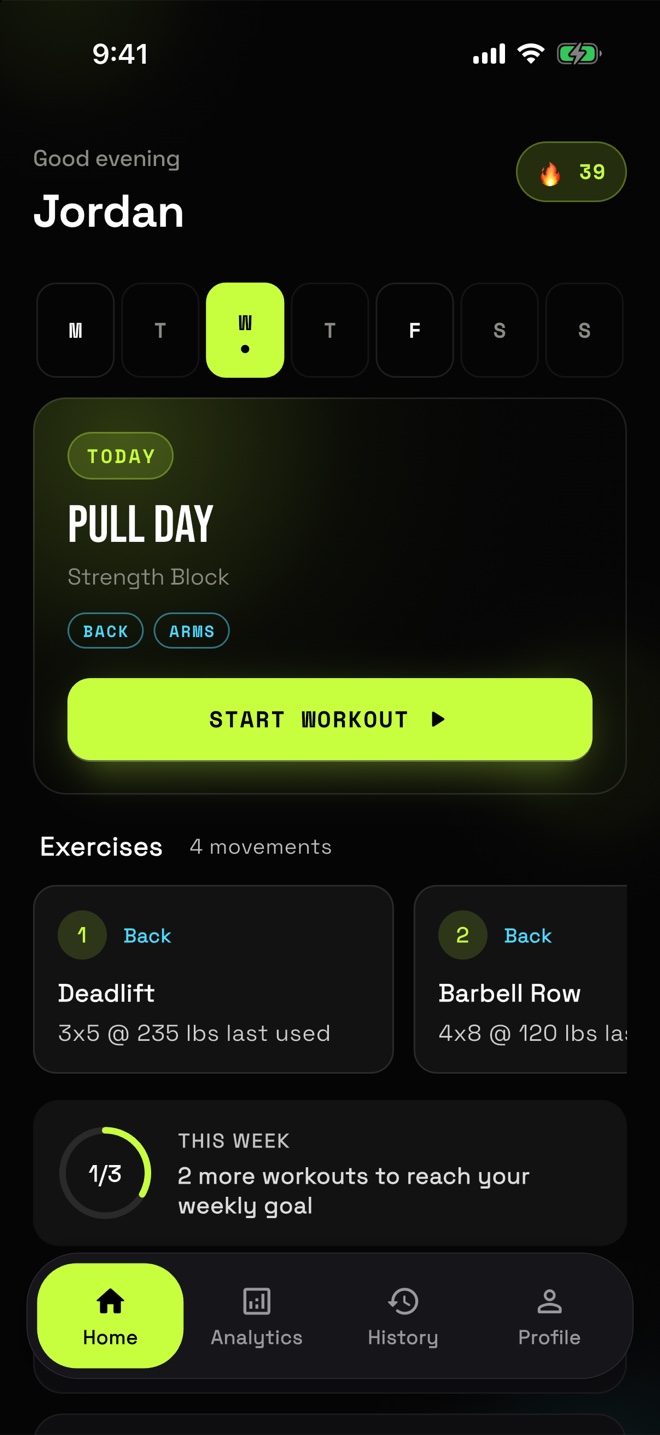
Screenshots show a demo gym with made-up clients.
Build a client's week once, then assign it.
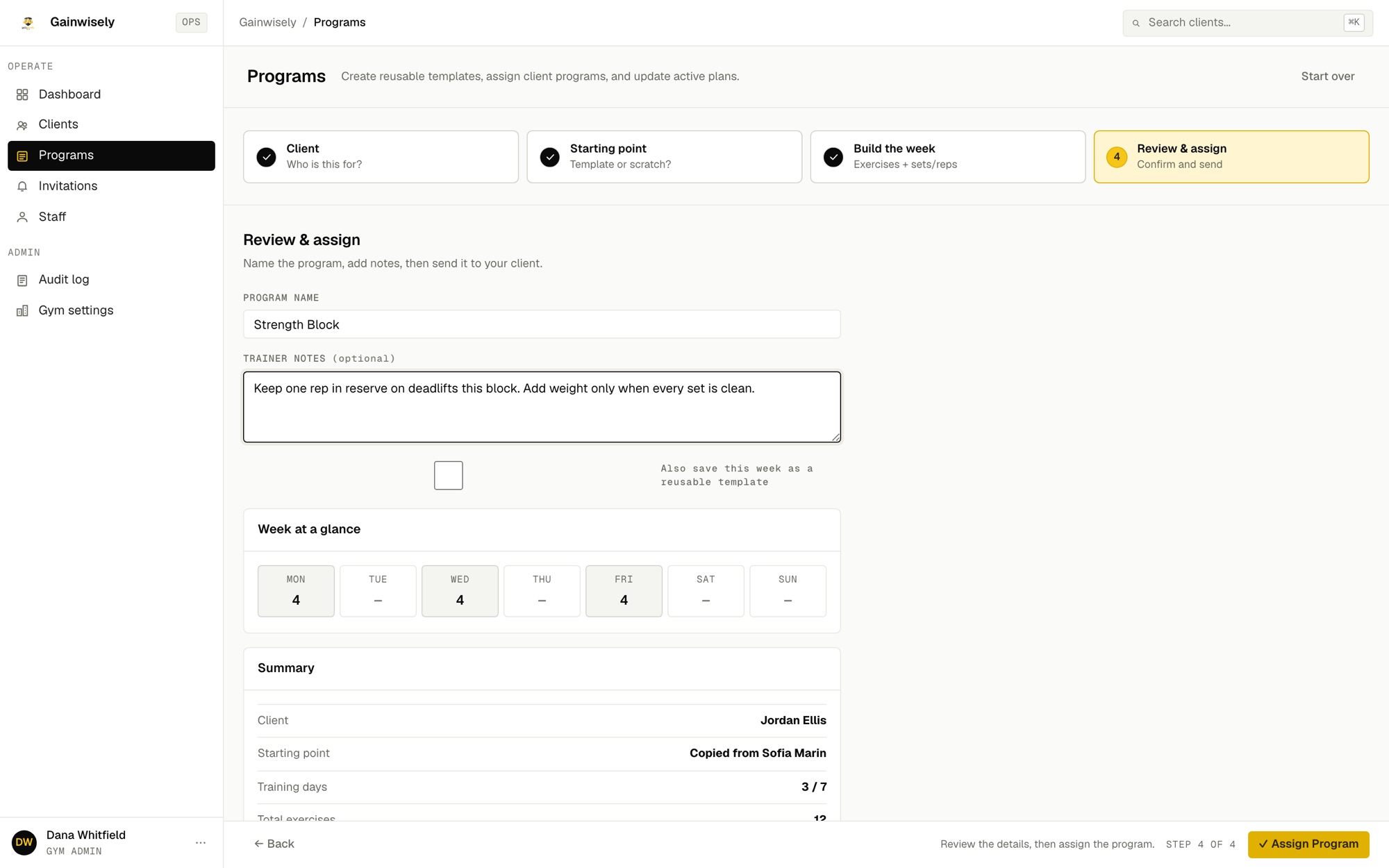
Start from a template, a blank week, or another client's program. Add a note and assign. They get a notification with your name on it.
It starts with the people who need a message.
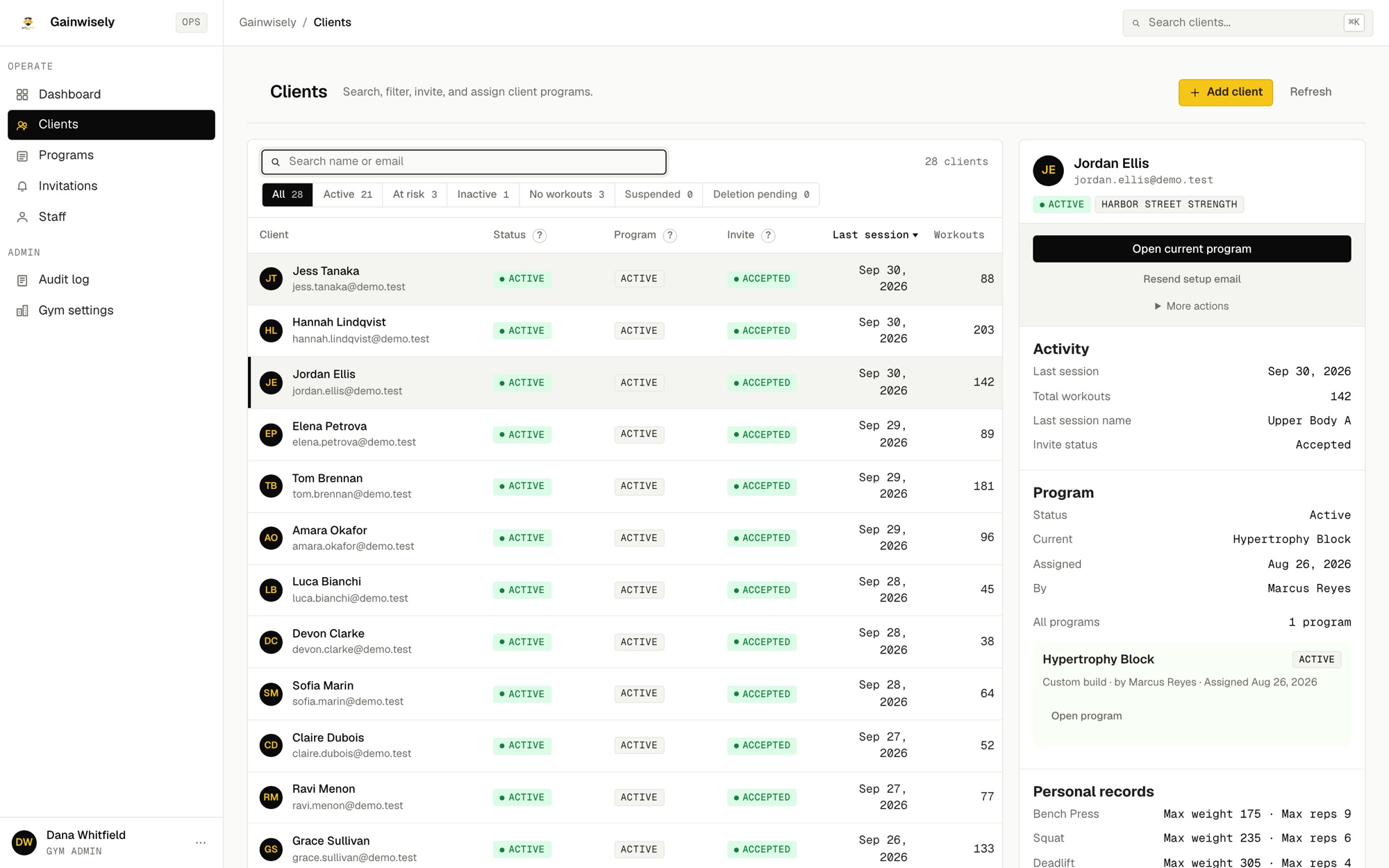
See every client by last workout: active, at risk after 30 days, inactive after 90. The attention queue lists anyone past 90 days or yet to start.
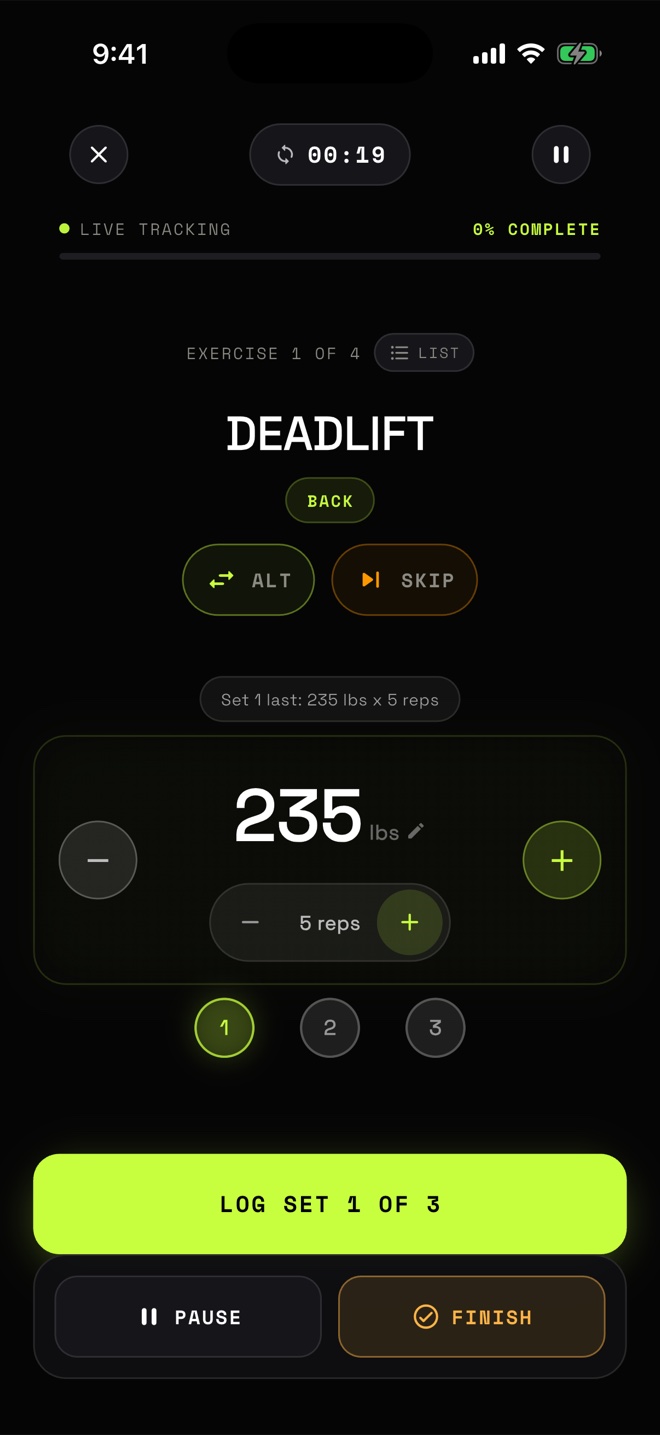
What your clients log their workouts in.
They open today's workout and log each set. Every session feeds their history and your dashboard.
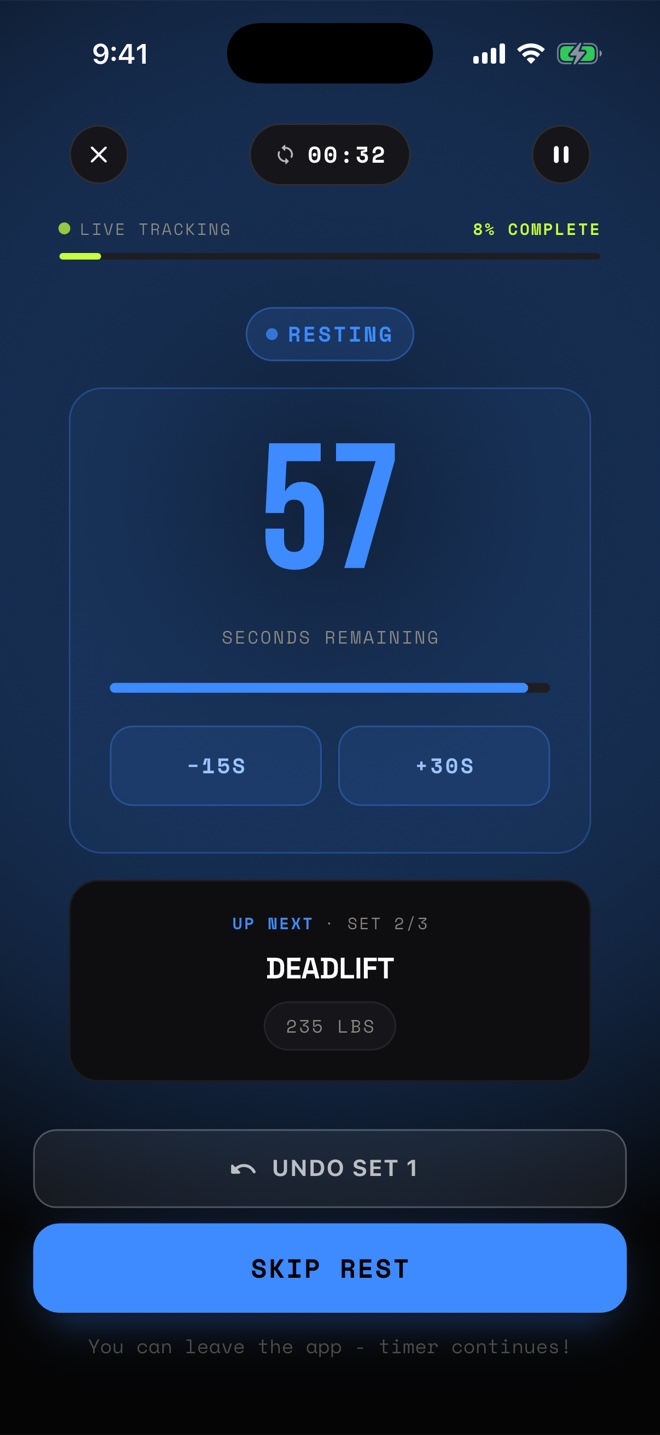
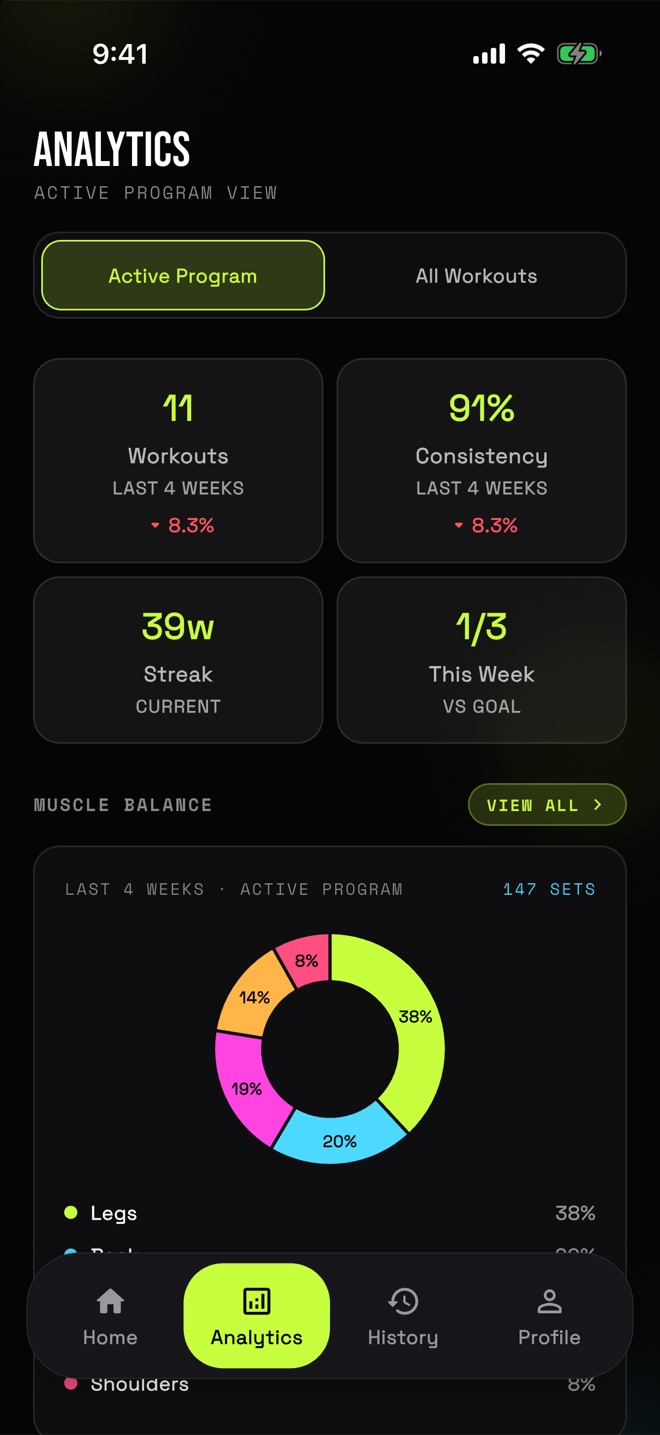
Open a client and see what matters.
Last session, total workouts, program and recent PRs in one panel. Clients join by emailed invite, or through your gym's join link or QR code.
- Gym adminInvites, staff, every client, audit log
- TrainerTheir assigned clients and programs
- ViewerRead-only across the gym
Each gym's data is kept separate, and admin actions are logged.
Want it for your gym?
Invite-only right now. Email us about your gym.